

Library guides are online pages created by UNLV librarians that organize key library resources and research help by subject or course.
By default, all WebCampus instances are connected to the Getting Started library guide through the Library Resources navigation tab.
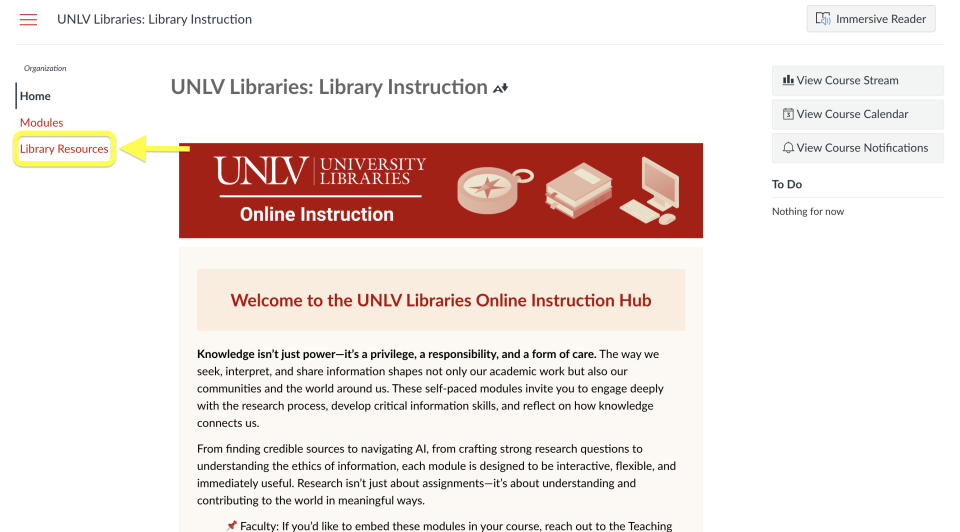
To enable the Library Resources navigation tab, follow these directions.
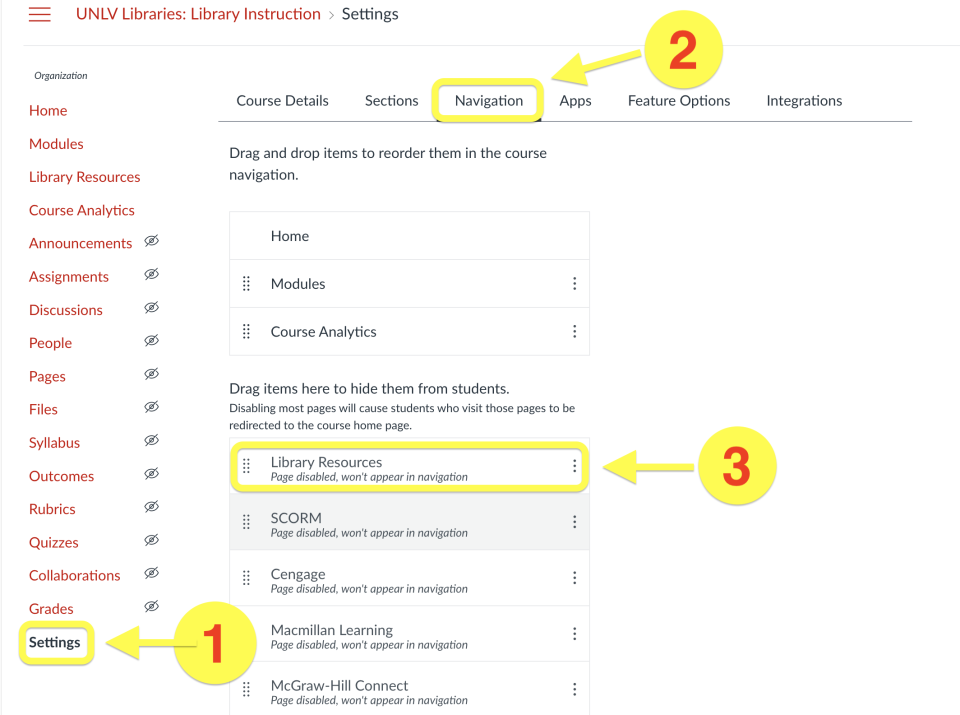
- Select Settings from the course navigation
- Select the Navigation tab
- Locate Library Resources in the list of disabled items
- Drag it into the list of active course navigation items and save
Request a course or section specific guide
Contact your librarian and ask to collaborate on a library guide. Course/section specific guides can be linked to your WebCampus’ Library Resources navigation tab.
Examples of custom guides
Course-specific:
Section-specific: